How to Test Garage Sensors Safely at Home
A garage door that closes on command but will not reverse when something is in its path is not a small inconvenience. It is a safety concern. Knowing how to test garage sensors gives homeowners and property managers a quick way to check one of the most important protections built into an automatic garage door system.
The photo-eye sensors near the bottom of each garage door track are designed to stop and reverse the door if a person, pet, vehicle, or object crosses its path. They are simple devices, but they depend on clear lenses, correct alignment, secure wiring, and a properly functioning opener. A quick monthly test can help you catch trouble before the door becomes unreliable or unsafe.
What Garage Door Sensors Do
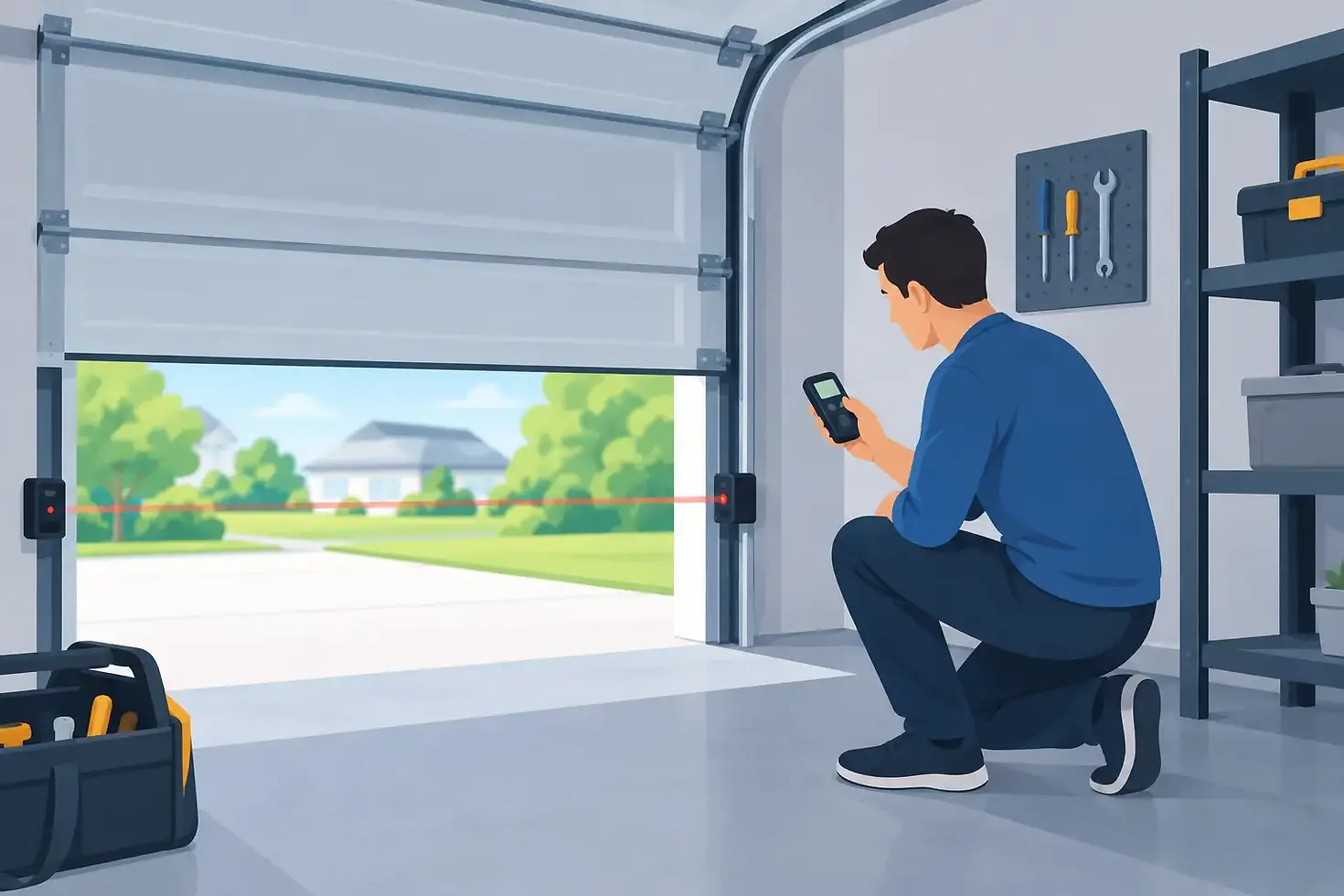
Most modern automatic garage doors use two photo-eye sensors positioned a few inches above the floor, with one sensor on each side of the door opening. One sends an invisible beam across the opening, and the other receives it. When the beam is clear, the opener can close the door normally.
When the beam is blocked or the sensors cannot communicate, the door should not close with the remote control. Depending on the opener model, it may stop, reverse, or refuse to move downward while the opener light flashes.
These sensors are not the same as the opener's force settings. Photo-eye sensors detect an obstruction before the door reaches it. Force settings help the opener respond if the moving door hits resistance. Both systems matter, but they require different tests.
How to Test Garage Sensors in Three Simple Steps
Before testing, make sure the doorway is clear and that no children, pets, or vehicles are near the moving door. Stand where you can see the entire opening without placing yourself under the door.
Check the indicator lights first
Look at the sensor on each side of the garage door. Most sensors have a small LED light. The color and pattern vary by manufacturer, but a solid light usually means the sensors have power and are aligned. A blinking, dim, or unlit indicator often points to an alignment, wiring, or power issue.
Do not assume that two lights automatically mean the system is working correctly. The reversal test is still necessary.
Block the sensor beam
With the garage door fully open, press the wall button or remote to close it. As the door begins to move down, wave a long object such as a broom handle through the sensor beam. Do not use your hand, foot, or body.
A working system should stop the door and reverse it to the open position. In some cases, the door may not start closing at all once the beam is blocked. Either response can be normal, depending on the opener.
If the door continues closing after the beam is blocked, stop using the automatic opener until the problem is corrected. Close the door manually only if it can be done safely, and keep people and vehicles out of the area.
Test with an object on the floor
A second test confirms that the sensors detect an object in the normal path of the door. Place a cardboard box, a roll of paper towels, or another visible object in the doorway directly between the sensors. Then attempt to close the door.
The garage door should refuse to close or reverse immediately. Avoid using anything valuable, fragile, or difficult to remove. A small object placed outside the sensor beam may not trigger the photo eyes, which is why its position matters.
When a Sensor Test Fails
A failed garage sensor test does not always mean the sensors need replacement. In many cases, the cause is simple and can be corrected without replacing parts. Start with the visible issues before assuming there is a larger opener problem.
Dirty lenses
Dust, cobwebs, mud, leaves, and spider activity can block or weaken the beam. This is especially common in garages that are frequently open, near landscaping, or used for storage. Gently wipe each lens with a soft, dry microfiber cloth. Avoid harsh cleaners that could scratch or cloud the plastic.
After cleaning the lenses, repeat the test. If the lights become steady and the door works normally, regular cleaning may be all that is needed.
Sensors out of alignment
Sensors can shift after being bumped by a trash bin, bicycle, car tire, tool, or even a child playing in the garage. A loose bracket may also allow a sensor to move slightly over time. Because the beam is narrow, a small change in position can keep the sensors from communicating.
Check that both sensors face one another at the same height. Tighten loose brackets carefully, then adjust the sensor until its indicator light becomes steady. It helps to make small adjustments rather than forcing the bracket into place.
Obstructions near the doorway
Stored items, hanging cords, plants, or seasonal decorations can interfere with the sensor beam. Bright sunlight can also affect certain sensors at specific times of day, particularly if one sensor faces west or receives direct afternoon light.
If sunlight appears to be the issue, check whether the problem happens only at a particular time. A technician may be able to adjust the sensor position, improve the bracket placement, or identify whether another sensor issue is involved.
Damaged wiring or loose connections
Thin low-voltage wires run from the sensors to the opener. If a wire is pinched, chewed, frayed, disconnected, or damaged by moisture, the sensors may work intermittently or stop working altogether. This is common in garages where wiring is exposed near the lower tracks.
Do not try to bypass the sensor system to make the door close. Holding down the wall button may force some openers to close, but that does not repair the safety problem. It only removes the protection the sensors are meant to provide.
Do Not Confuse a Sensor Problem With a Door Problem
A garage door may reverse for reasons that have nothing to do with photo-eye sensors. If it closes partway and then reverses even though the sensor lights are steady and the beam is clear, the opener may be detecting resistance.
Common causes include worn rollers, bent tracks, a door that is out of balance, damaged cables, or incorrect opener force settings. A broken or weakening spring can also make the door heavy and difficult for the opener to move safely.
This is where a professional inspection is valuable. Adjusting force settings without identifying the reason for resistance can mask a mechanical problem and place more strain on the opener. Springs and cables are under high tension and should not be repaired by a homeowner.
How Often Should You Test Garage Sensors?
For most homes, test the safety sensors once a month and after any event that could have bumped the tracks or sensors. That includes moving large items, parking a new vehicle in the garage, construction work, heavy storms, or cleaning out storage areas.
Landlords and small-business owners should include sensor testing in their regular property maintenance routine. A garage door that serves employees, tenants, deliveries, or shared parking areas receives more daily use and carries more risk when safety features are not working correctly.
A monthly sensor test takes only a few minutes. It can also reveal early warning signs, such as a door that hesitates, flashing opener lights, sensors that need frequent realignment, or a door that only closes when someone holds the wall button.
When to Call for Garage Door Service
Call a qualified garage door technician if the sensor lights will not stay on, the door fails the obstruction test, wiring appears damaged, or the door reverses unpredictably. It is also wise to schedule service if you have cleaned and aligned the sensors but the problem keeps returning.
At GDR Garage Door Repairs, we believe a safety issue deserves a clear answer, not guesswork or unnecessary upselling. An experienced technician can inspect the sensors, opener, tracks, rollers, springs, and balance of the door to find the actual source of the problem. A free estimate and inspection can help you understand what needs attention before approving repairs.
Your garage door should protect the people and property that pass through it every day. Make the sensor test part of your routine, and treat any failed test as a reason to pause and get the system working safely again.


Comments